


APK requirements checker
Read the minimum Android API and native architectures declared by your APK before you install.
Check an APK Illustration
 DiPlayVIP

FREE TOOLS FOR ANDROID HEAD UNITS
Check APK requirements and understand your screen before your next adjustment.
Files stay on your device. No uploads.
Illustration — not a compatibility result.
TWO TOOLS. A CLEARER SETUP.
Simple, focused tools to help you prepare and adjust with confidence.
Read the minimum Android API and native architectures declared by your APK before you install.
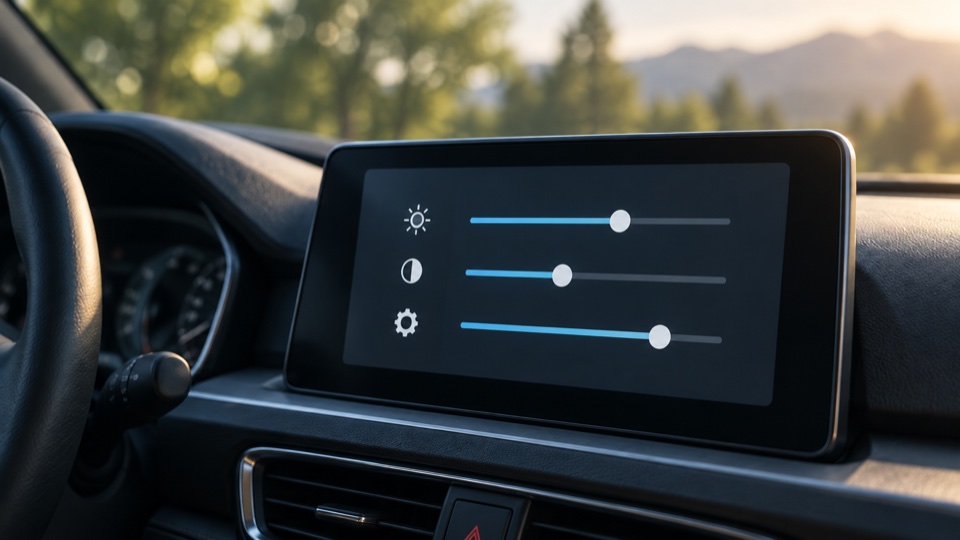
Calculate your screen’s physical dimensions and resolution scaling, then compare one setting at a time.
Requirements come from your chosen APK, rather than a guessed app version.
APK files and screen inputs are processed locally. No uploads or accounts.
Firmware, permissions and connection paths still matter alongside installation requirements.
READY FOR THE NEXT STEP?
Downloads, installation steps and reviewed compatibility evidence.
Use these free browser tools to prepare an APK installation or measure a display. For downloads, installation steps and compatibility evidence, continue to the Official Website.
Use the APK requirements checker before installing a single APK on your Android head unit. Use the screen settings helper when you know your display’s native pixel resolution and active diagonal and want to compare size or resolution settings.
No. The APK checker compares declared Android installation requirements; the screen helper calculates geometry and scaling. Neither tests your vehicle, connection hardware, firmware, audio or CarPlay support. Check the compatibility evidence on the Official Website for the complete setup.
No. APK parsing and screen calculations run locally in your browser. Umami records anonymous visits, tool actions and link clicks, but does not receive APK files, file names, package metadata or screen input values.